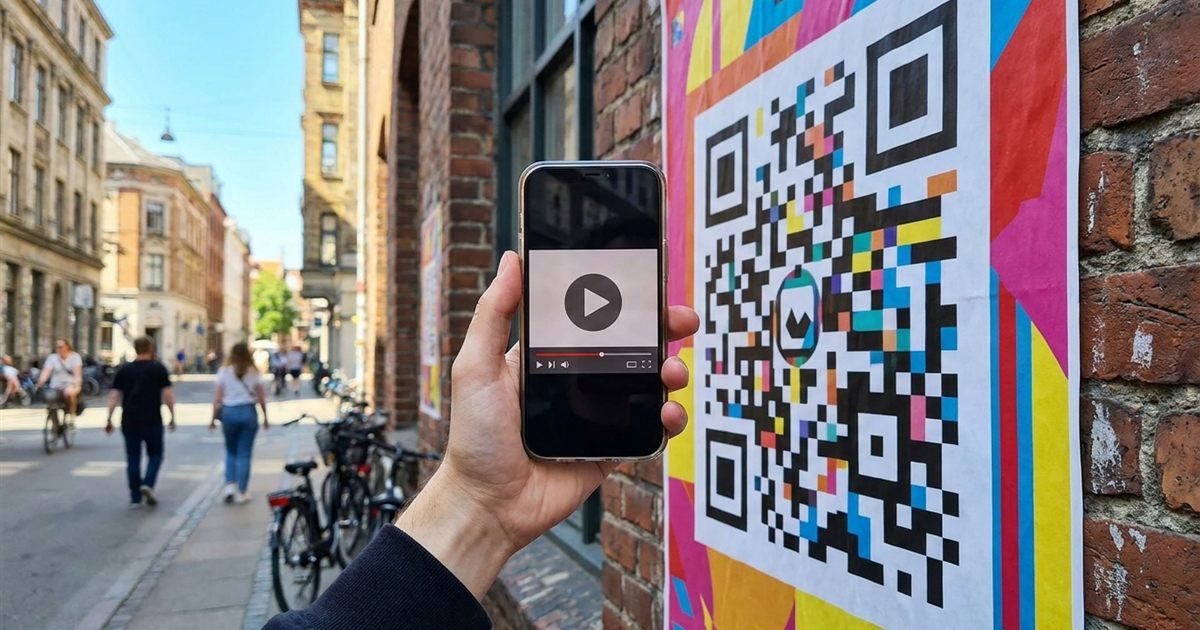
A QR code is the quickest way to move someone from a printed page to a video. Put one on a flyer, a product box, a slide or a shop window, and a viewer can open your YouTube video, playlist or channel with a single scan. The free Custom QR Code Generator turns any YouTube link into a code you can download as PNG or SVG, with your own colors and style. This guide shows which link to use and how to make the code scan reliably.
Make a QR code for your YouTube link
Open the Custom QR Code Generator, FreePick the Right YouTube Link
YouTube gives you several kinds of link, and the one you choose decides what the viewer sees after scanning. Pick the link that matches your goal, then paste it into the generator with the URL preset.
- A single video: the standard watch link, or the short youtu.be link. Best for a tutorial, ad or product demo.
- A video at a set moment: add a time to the link so the video starts where you want. This is useful for long videos.
- A playlist: a link to the playlist page, good for courses, event talks or a series.
- A channel: your channel address, ideal for business cards, packaging and storefronts.
- A subscribe prompt: a channel link that asks the viewer to confirm a subscription.
Why a Short Link Scans Better
The more characters a QR code holds, the more squares it needs, and the smaller each square becomes at a given print size. Long links with extra tracking tags produce dense codes that are harder for a phone to read from a distance. The short youtu.be form of a video link keeps the code simpler and easier to scan. Remove any extra parameters you do not need. For the science behind this, see how much data fits in a QR code.
Make the QR Code Step by Step
- Copy the YouTube link from your browser or from the Share button.
- Open the Custom QR Code Generator and choose the URL preset.
- Paste your link in place of the sample address.
- Pick colors with strong contrast, such as dark modules on a light background.
- Optionally add a short label such as Watch the video so people know what to expect.
- Download the PNG for screens and quick prints, or the SVG for crisp large-format printing.
Design Tips for a Video QR Code
- Keep a clear margin around the code so the phone can find its edges.
- Use a dark code on a light background. Inverted colors fail on some phones; see why QR codes fail in dark mode.
- Choose colors with real contrast. Light yellow on white will not scan. See QR code color contrast.
- If you add a logo, keep it small and use a higher error correction level, as described in add a logo without breaking the scan.
- Tell people what the code does. A short call to action beats a mystery square.
Where to Put a YouTube QR Code
- Product packaging, linking to a how-to or unboxing video.
- Posters and flyers, linking to a trailer or event highlight.
- Business cards, linking to your channel.
- Restaurant tables or shop counters, linking to a behind-the-scenes video.
- Presentation slides, so the audience can watch the demo on their phone.
- Printed books and manuals, linking to the video version of a lesson.
Test Before You Print
Always scan the final code with at least two phones before you print a large batch. Check that it opens the right video, that the video starts where you intended and that the code scans from the distance people will really stand at. If it does not scan, why a QR code will not scan walks through the usual causes.
Keep the Link Working
A static QR code stores the exact link you typed. If you later delete the video or change the address, the printed code points to the old one. Before you print, make sure the video is public or unlisted and that you will not remove it. If you expect to change the destination, read static vs dynamic QR codes and consider linking to a page you control instead.
Frequently Asked Questions
Can I make a QR code for a YouTube video for free?
Yes. Paste the video link into the Custom QR Code Generator, pick your colors and download the PNG or SVG. There is no watermark or account.
Can the QR code start the video at a specific time?
Yes. Add the timestamp to the link before you paste it, and the video will begin at that moment when someone scans the code.
Can I link to my whole channel?
Yes. Use your channel address as the URL. You can also use a playlist link to send people to a series.
Does the QR code expire?
A static code does not expire. It works as long as the link it contains still works, so keep the video or channel available.
PNG or SVG for printing?
Use SVG for large prints because it stays sharp at any size. Use PNG for screens, slides and small prints.
Choose your link, set the colors and test the code before you print.
Ready to make your video QR code?
Open the Custom QR Code Generator, Free