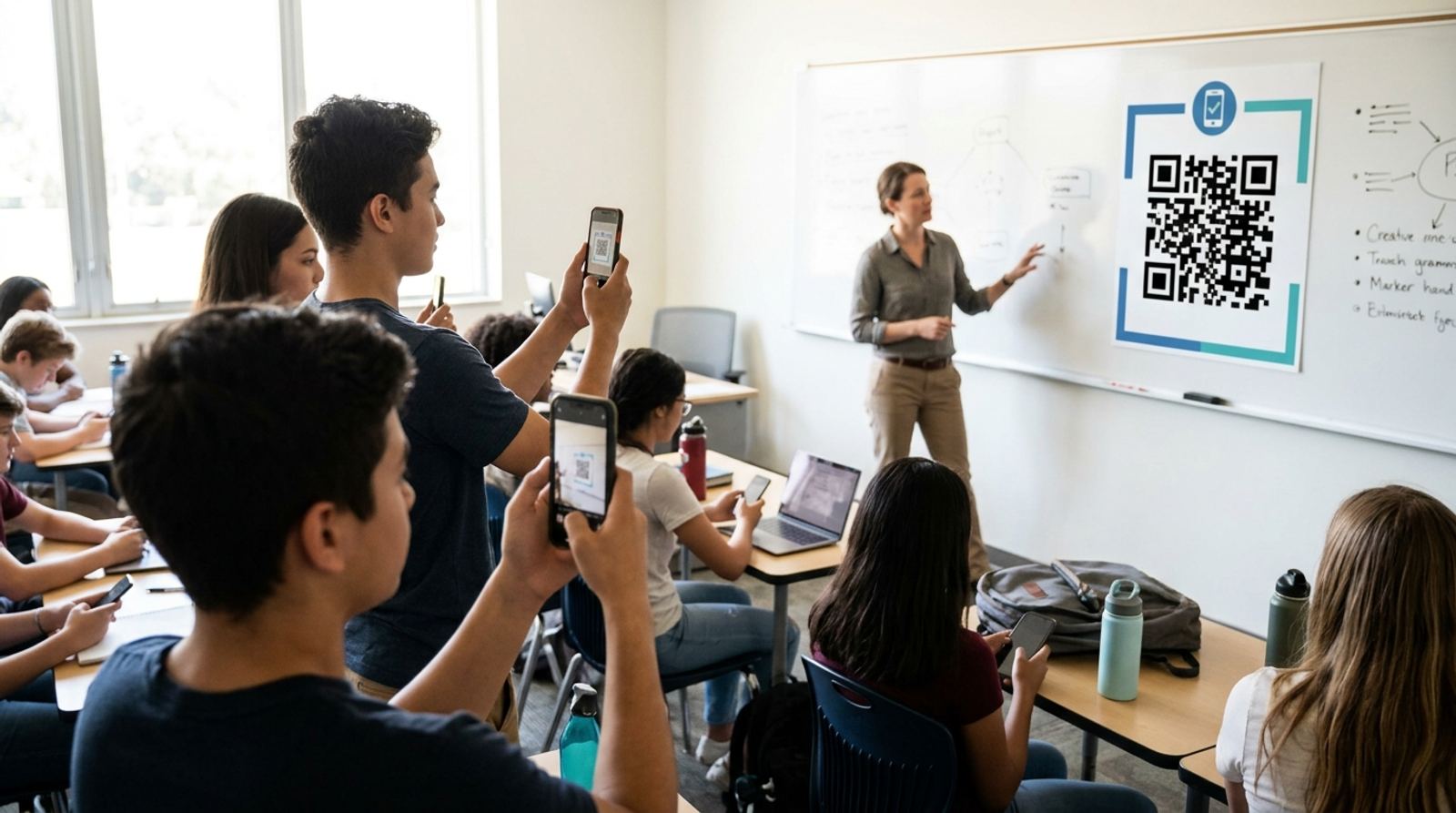
Calling roll out loud takes a few minutes every single class period, minutes that add up over a semester. A QR code posted at the door or on the board lets students check themselves in the moment they sit down, no roster reading required. Here's a practical setup that works with tools most schools already have.
Build your classroom check-in code
Open QR Code GeneratorWhat the QR Code Actually Does Here
The QR code itself doesn't track anything on its own, it's simply a fast way to open a link. Point it at a short check-in form, most commonly a free Google Form, that asks for name, date, and class period, and every scan becomes a timestamped row in a spreadsheet you already know how to read. The code just removes the friction of typing a URL or searching for a bookmark.
Setting Up the Check-In Form First
- Create a short form with just the fields you actually need, typically name and class period, since a long form slows down check-in and defeats the purpose.
- Turn on response timestamps if your form tool doesn't record them by default, so you have an accurate record of when each student checked in.
- Copy the form's shareable link once it's set up and tested with a submission of your own.
- Paste that link into a QR code generator and download the code to display or print.
One Code Per Class Period, Not One Per Student
The simplest setup uses a single QR code per class period, displayed on a slide, printed by the door, or taped to a desk, that every student in that period scans and fills in their own name on the form. This avoids the overhead of generating and managing a unique code per student, and it scales the same way whether you have fifteen students or thirty-five.
Preventing Students From Checking In Someone Else
A shared code relies on some honesty, since it can't verify who's physically holding the phone that scanned it. Most teachers manage this the same way they'd catch a verbal roll call proxy, a quick visual scan of the room against the submitted names, and treating repeated mismatches as a conversation rather than trying to build a fully tamper-proof system out of a simple check-in form.
Printing the Code So It Lasts the Semester
If you're printing the code rather than projecting it fresh each class, print it at a large enough size to scan easily from a few feet away and consider laminating it, since a code taped up for a full semester will pick up wear. If the destination form ever changes, you'll need to reprint, so a projected code on a recurring slide can be easier to update than a laminated printout taped to the wall.
Reviewing Attendance Data at the End of the Week
Since responses land in a spreadsheet automatically, sorting by class period and date gives you a clean weekly attendance view without manually tallying anything, and you can flag students with gaps directly from that sheet. This also makes it easy to spot a period where check-ins dropped off, which is often the first sign the code wasn't visible or scannable that day.
Add your school logo to the check-in code
Open Custom QR Code GeneratorFrequently Asked Questions
Do students need a school account to scan and submit the form?
It depends on your form tool's sharing settings. Requiring sign-in with a school account adds a layer of accountability since submissions get tied to a verified identity, but it also adds a login step that can slow down check-in if students aren't already signed in on their device.
What if a student doesn't have a smartphone?
Keep a simple manual fallback, a paper sign-in sheet or a verbal check with the teacher, for the rare student without a phone that class period. A QR system should speed up the common case, not become a hard requirement that locks anyone out.
Can the same QR code be reused every day for the same class?
Yes, as long as your check-in form captures the date automatically or asks for it, the same code and same form can be reused indefinitely without needing to generate a new code each day.
Is this reliable enough to replace official attendance records?
Check your school's specific policy before relying on it as the sole official record, since some districts require attendance through a particular system. Plenty of teachers use this as a fast way to gather data first, then transfer it into whatever official system is required.
Related tools
- QR Code Generator: Create a free check-in code in seconds
- Custom QR Code Generator: Add your school's branding