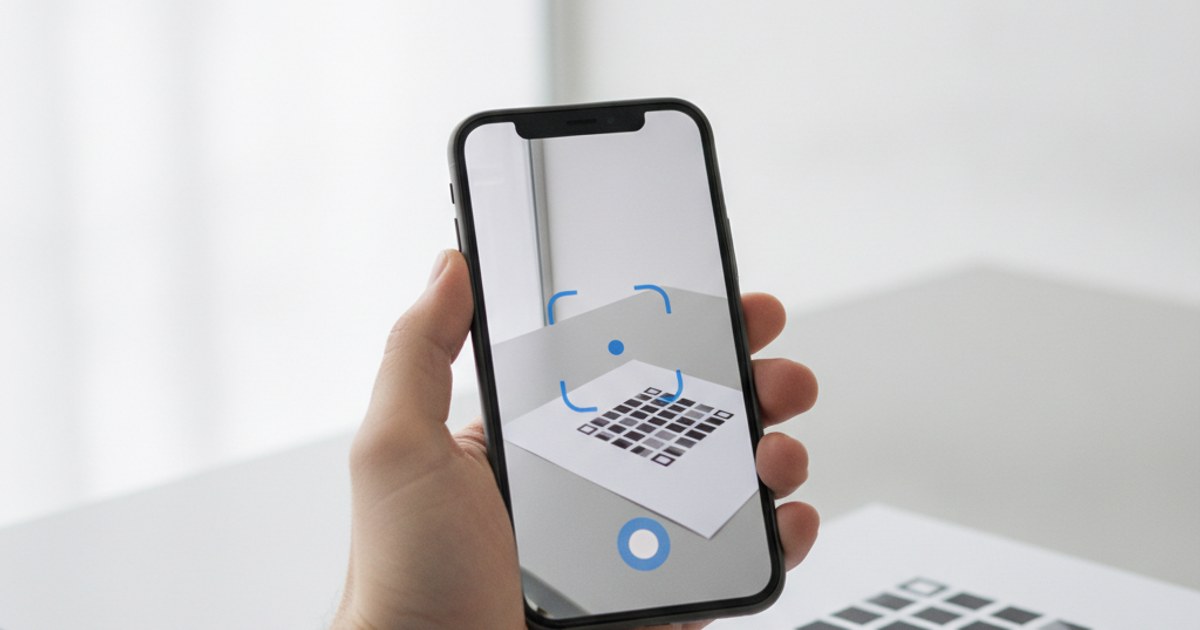
A QR code that fails to scan is almost never a mysterious problem, it's nearly always one of a handful of specific, fixable causes. Here's how to work through them systematically, and a five-minute test you should run before any code goes to print or gets published.
Generate a fresh, tested QR code
Open QR Code Generator — Free, No SignupCause 1: Not Enough Contrast Between the Code and the Background
Scanners rely on a strong contrast difference to distinguish the pattern from its background. A dark code on a dark background, a light code on a light background, or two colors with similar brightness even if they look different to the human eye, can all cause scans to fail intermittently or not at all. The safest combination is still a dark pattern on a light background; if you're customizing colors, check contrast specifically, not just whether the colors look visually distinct to you.
Cause 2: Missing or Crowded Quiet Zone
The blank margin around a QR code isn't optional whitespace, it's how a scanner finds the pattern's edges in the first place. Placing a code too close to text, a photo, or the edge of the printed material removes the visual boundary the scanner needs, and it's one of the most common reasons a code that scans fine on screen fails once it's laid out next to other design elements on a printed page.
Cause 3: Too Much Data Crammed Into Too Small a Space
A long URL, especially one with tracking parameters, forces a denser pattern with smaller individual modules. Printed small, or displayed on a low-resolution screen, that density can push past what the scanning camera can resolve. If a code encodes a lot of content, either shorten the underlying link or increase the print size to compensate, don't assume the same physical size will work regardless of how much is encoded.
Cause 4: A Logo or Damage Covering Too Much of the Pattern
Every code can absorb some coverage before it stops working, but a logo sized too large, or physical damage like a tear, deep scratch, or heavy staining, can exceed what the code's error correction level was built to recover from. If a code will carry a logo, generate it with a high error correction level from the start rather than adding a logo after the fact to a code built for a lower level.
Start fresh with a properly built code
Open QR Code Generator — Free, No SignupCause 5: Glare, Lamination, or Screen Reflection
Glossy lamination and reflective materials can bounce enough light back at a camera to wash out the pattern, especially under direct overhead lighting or a phone screen displaying the code at a bright brightness. If a code will be laminated or displayed under bright light, test scanning it at a few different angles and lighting conditions, not just straight-on under even light, before finalizing the material.
The Five-Minute Test Before Anything Ships
- Print or display it at the actual final size, not zoomed in on a screen or scaled to fit a preview.
- Scan it with two or three different phones, since camera quality and scanning app behavior vary meaningfully between devices.
- Scan from the realistic distance and angleit'll actually be used at, not just straight-on from six inches away.
- Check the destination it lands on,not just that it scans, a code that opens the wrong link is just as much a failure as one that doesn't scan at all.
- If it's going to print, test the actual printed material, including lamination or the exact paper stock, since materials can affect scanning differently than a digital preview does.
Frequently Asked Questions
My QR code scans on my phone but not on someone else's, why?
Camera quality, focus distance, and scanning app all vary by device. A code that's borderline on size, contrast, or print quality can pass on a newer phone's camera while failing on an older one, which is exactly why testing on multiple devices matters.
Can inverted colors, light code on dark background, ever work?
Some scanners handle it fine, but support isn't universal, and it's a common failure point on older or less capable scanning apps. Standard dark-on-light remains the safest choice unless you've specifically tested inverted colors across multiple devices.
Is it the code itself or the scanning app that usually fails?
In most real-world cases it's the code, size, contrast, quiet zone, or content length, not the scanning app. Modern phone camera apps are generally very capable, so a consistent scan failure across multiple devices points back to the code itself.
Does EzyIMG's QR generator let me preview before downloading?
Yes, the code updates live in your browser as you set the content and options, so you can test-scan it directly from your screen before downloading and printing.
Related tools
- QR Code Generator: Create a free QR code and test it before printing
- Custom QR Code Generator: Adjust colors, logo, and error correction level