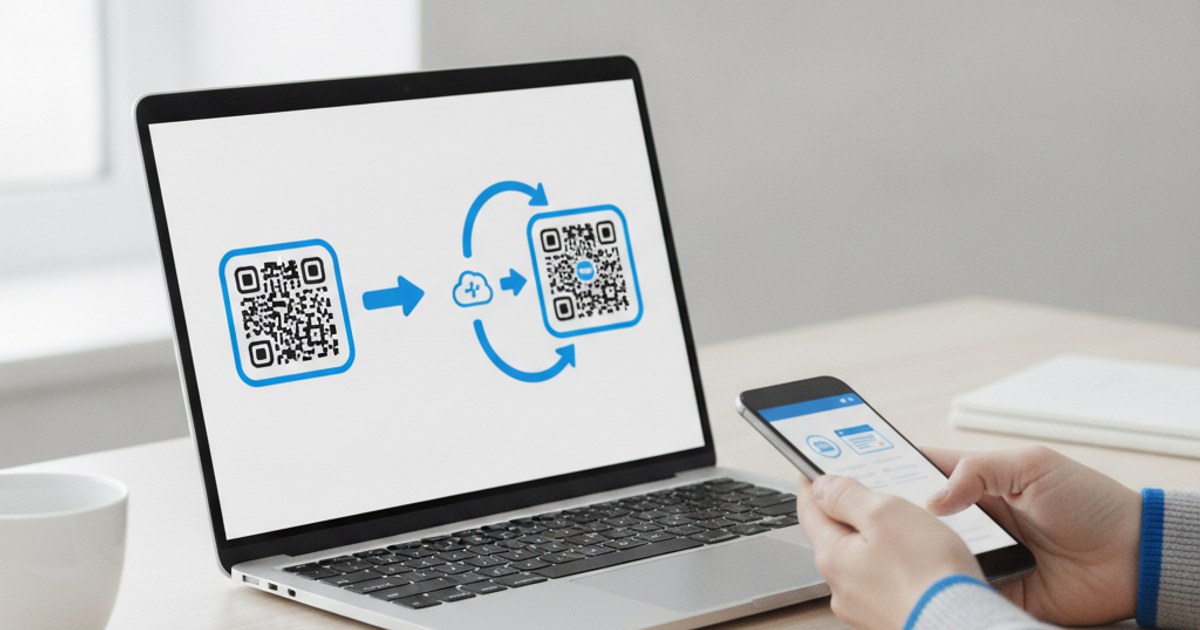
Every QR code generator makes a static code by default, and most people never need anything else. But if you've seen the term “dynamic QR code” and wondered whether you're missing something important, here's the real difference, and how to tell which one your actual use case needs before you generate anything.
Need a static QR code right now?
Open QR Code Generator — Free, No SignupWhat a Static QR Code Actually Is
A static QR code has its content baked directly into the pattern itself at the moment it's generated. If it points to a URL, that exact URL is permanently encoded in the code's pixels. If it holds WiFi credentials, those exact credentials are what get read every time it's scanned. Once generated, a static code can't be redirected somewhere else or updated; changing the destination means generating and reprinting a brand new code. This is what every free browser-based QR generator, including EzyIMG's, produces.
What a Dynamic QR Code Adds
A dynamic QR code doesn't encode your final destination directly. Instead, it encodes a short redirect link controlled by a separate service, and that service decides where the scan actually sends someone, a decision you can change at any time without reprinting the code. This requires an account with a provider that hosts and maintains that redirect layer indefinitely, since the QR code itself is now only as useful as the redirect service staying online. Dynamic codes also often include scan analytics: how many times a code was scanned, and roughly when, since every scan passes through the provider's server first.
When You Genuinely Need Dynamic Over Static
Dynamic makes real sense in a narrow set of cases: a printed code going on something expensive or hard to reprint (a vehicle wrap, an engraved sign, thousands of physical product units) where the destination might need to change later, or a campaign where you specifically need scan-count analytics. Outside of those cases, a static code covers the vast majority of real use: a menu, a business card, a WiFi network, a portfolio link, situations where the destination is stable and reprinting, if it ever changes, is inexpensive.
The Real Trade-Off: Simplicity and Permanence vs Flexibility and Dependency
A static code, once generated, works forever with no ongoing dependency on anyone else's server staying online, no account, and no recurring cost. A dynamic code trades that independence for the ability to redirect later and see scan counts, but it only keeps working as long as the provider behind it does. If that service shuts down or your subscription lapses, every dynamic code you've printed stops resolving anywhere, even though the physical code itself still looks identical.
- Choose static for menus, WiFi, business cards, and any content unlikely to change.
- Choose static if you want a code that keeps working with zero ongoing dependency.
- Consider dynamic only if reprinting later would be genuinely expensive or impractical.
- Consider dynamic if scan-count analytics are a real requirement, not just a nice-to-have.
Most use cases just need a static code
Open QR Code Generator — Free, No SignupHow to Check Whether a Code You Received Is Static or Dynamic
If someone hands you a printed QR code and you want to know which type it is before trusting it, scan it with your phone's camera and look closely at the URL it resolves to before tapping through. A static code generated for a direct link usually shows the actual final destination address right away. A dynamic code typically shows a short redirect domain belonging to whatever service generated it, one extra hop before it lands on the real destination.
This is a genuinely useful habit for scanning any QR code from a source you don't fully trust, a flyer on a public bulletin board, a sticker slapped over an existing poster, since it lets you see where you're actually being sent before committing to open a link on your phone. A redirect domain you don't recognize, especially on a code appearing somewhere it doesn't obviously belong, is worth treating with extra caution regardless of whether the code itself is static or dynamic.
For your own codes, this same check doubles as a quick way to confirm which type you actually generated, useful if you're not sure whether an old code in your files was made with a static tool or a dynamic one from a previous provider.
Frequently Asked Questions
Does EzyIMG's QR generator make static or dynamic codes?
Static. Your content is encoded directly into the code in your browser, with no account and no server dependency, which is exactly right for the vast majority of use cases like menus, WiFi, business cards and portfolio links.
Can I tell just by looking whether a QR code is static or dynamic?
Not visually. The only way to know for certain is to scan it and check the destination URL: a dynamic code typically resolves through a short redirect domain belonging to the service that generated it, rather than going straight to the final destination.
What happens to a dynamic QR code if I stop paying for the service?
It typically stops working entirely, since scanning it depends on that provider's redirect server responding. Every physical copy you printed becomes useless at once, which is the core risk of choosing dynamic for anything long-lasting.
Is a static QR code less secure than a dynamic one?
Neither is inherently more secure. What matters for both is whether the final destination is trustworthy. A static code is arguably more transparent, since scanning it reveals exactly where it goes, rather than passing through an intermediate redirect first.
Related tools
- QR Code Generator: Create a free static QR code
- Custom QR Code Generator: Colors, styles, and vCard/WiFi content