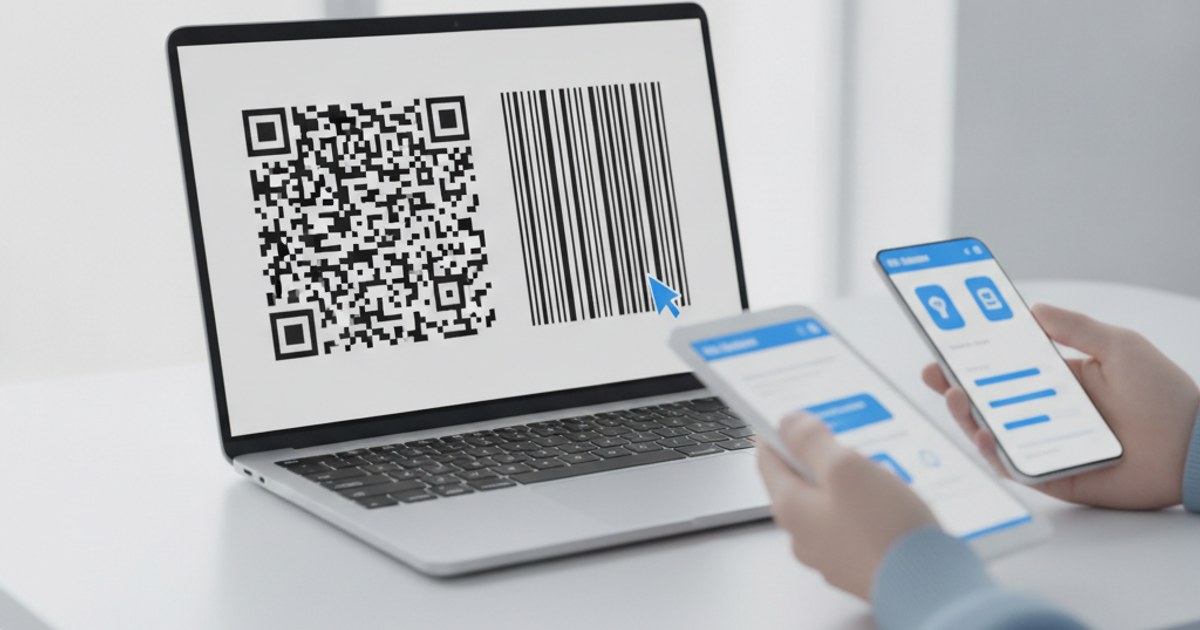
"QR barcode generator" is a search that quietly mixes two different technologies together, and picking the wrong one for your use case means printing something that either can't hold what you need or can't be scanned by the equipment you actually have. Here's the real difference between a QR code and a traditional barcode, and which generator you need for each.
Need a QR code, not a barcode?
Open QR Code Generator — Free, No SignupThe Core Difference: 1D vs 2D
A traditional barcode, the kind on nearly every retail product, is a one-dimensional (1D) pattern: a series of parallel lines of varying width, read left to right by a laser or camera scanner. It typically holds a short numeric code, like a UPC or EAN, that a system looks up in a database to find the actual product information. A QR code is two-dimensional (2D), a grid of black and white squares read both horizontally and vertically, which lets it hold vastly more data directly inside the code itself, no database lookup required.
What Each One Is Actually Good For
Barcodesexcel at retail and inventory scenarios with existing infrastructure already built around a numeric lookup system, point-of-sale scanners, warehouse tracking, and product databases that have used the same numbering standards for decades. If you're slotting into an existing retail supply chain, a barcode is usually the expected format, not a choice.
QR codes excel almost everywhere else: linking to a website, sharing WiFi credentials, opening a pre-filled email, displaying contact details, or pointing to a menu, because the destination or content is encoded directly in the pattern and any modern smartphone camera can read it with no dedicated scanner hardware at all.
Data Capacity: Why This Actually Matters
A standard 1D barcode holds around 20 to 25 characters at most, which is plenty for a numeric product code but nowhere near enough for a URL, a paragraph of text, or a full set of WiFi credentials. A QR code, by contrast, can hold thousands of characters depending on its size and error correction level. This is the practical reason a URL or contact card almost always needs a QR code specifically, a barcode generator simply can't encode that much information in the first place.
Need a product barcode instead?
Open Barcode Generator — Free, No SignupScanning Equipment: What You Actually Have Access To
Every modern smartphone camera reads QR codes natively, through the built-in camera app on iOS and Android, with no extra hardware. Reading a 1D barcode reliably at retail speed generally still benefits from a dedicated laser or camera-based barcode scanner, though many phone camera apps can read simple barcodes too, just less reliably at odd angles or low light than a purpose-built scanner. If your audience is the general public scanning with their own phone, a QR code is almost always the more reliable choice.
Quick Decision Guide
- Retail product tied to an existing inventory system → barcode
- Linking to a website, menu, or signup form → QR code
- Sharing WiFi credentials or contact info → QR code
- Scanned mainly by the general public's own phone → QR code
- Scanned by dedicated point-of-sale or warehouse hardware → barcode
Frequently Asked Questions
Can a QR code replace a barcode on retail packaging?
Technically yes, but most existing point-of-sale systems are built around 1D barcode formats, so replacing them means changing scanning hardware and inventory software too, not just the printed code.
Are QR codes and 2D codes the same thing?
QR code is the most common type of 2D code, but not the only one, formats like Data Matrix and Aztec code also exist. For general use, website links, WiFi, and contact sharing, QR is the format virtually every phone camera recognizes automatically.
Which one is free to generate?
Both. EzyIMG's QR Code Generator and Barcode Generator are both free, with no watermark and no account required.
Do I need different software to read each type?
No single app is required for either, most phone camera apps can read both formats natively today, though barcode reads can be less reliable from a phone camera compared to dedicated scanning hardware.
Related tools
- QR Code Generator: For URLs, WiFi, email and more
- Barcode Generator: For 1D product and inventory codes