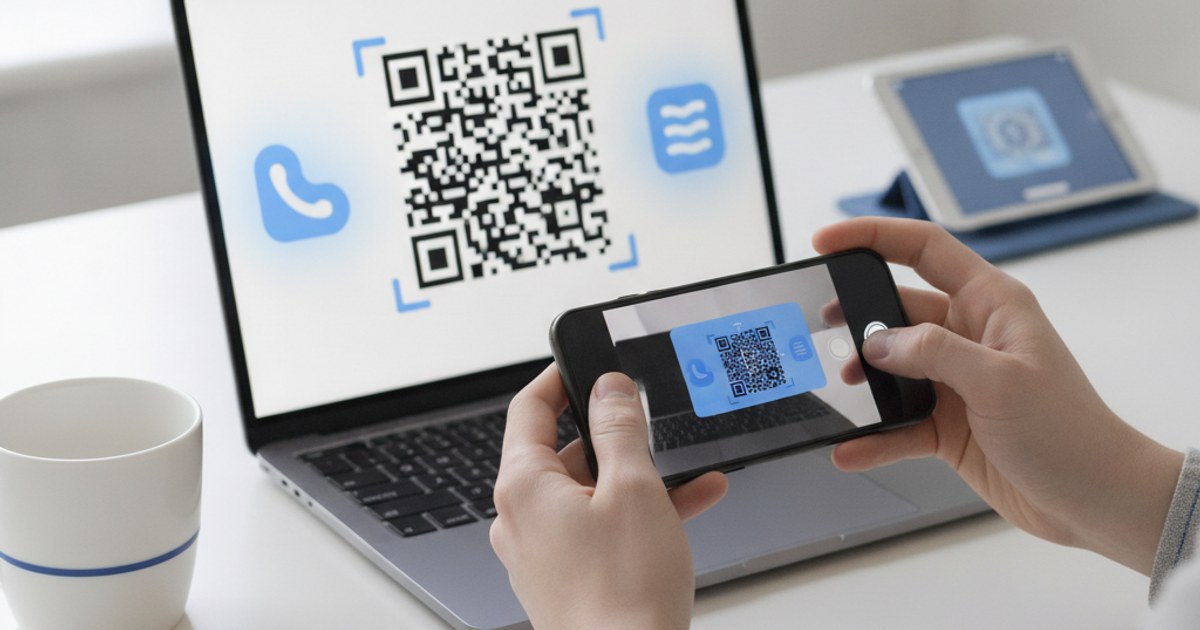
Sending someone your app's name and asking them to search for it in their app store loses people at every step, the wrong result, a similarly-named app, a typo. A QR code that opens the correct store listing directly removes all of that friction, but it has one real complication a generic QR code generator doesn't solve on its own: iPhone and Android need different store URLs entirely.
Generate your app download QR code
Open QR Code Generator — Free, No SignupThe Core Problem: Two Stores, One Code
A QR code can only encode one destination. Point it straight at your App Store listing and every Android user who scans it lands on a page their phone can't use, point it at Google Play instead and iPhone users hit the same dead end. For an app available on both platforms, the code needs to send each visitor to the right store automatically, which means it can't point directly at either store link.
The Fix: A Landing Page in the Middle
Instead of encoding a store link directly, encode a URL to a simple landing page you control, yoursite.com/download works well. That page detects whether the visitor is on iOS or Android using their browser's user agent, then automatically redirects them to the matching store listing, or shows both buttons if detection is uncertain. The QR code itself never changes even if you later update either store URL, since it only ever points at your landing page.
What Belongs on That Landing Page
- Automatic platform detection with a redirect: Send iOS visitors to the App Store and Android visitors to Google Play without making them choose.
- Both store badges visible as a fallback: For the cases where detection is wrong, a desktop browser, an unusual device, a visible manual choice avoids a dead end.
- One line explaining what the app does: Someone landing here scanned a code cold, a single sentence of context measurably increases how many follow through to install.
Create the code for your download page
Open QR Code Generator — Free, No SignupWhere This Kind of Code Actually Gets Used
App download codes work well on physical packaging, a receipt, a poster at a conference booth, the back of a business card, or the end slide of a product demo video, anywhere a viewer has their phone in hand but no easy way to type a URL. Since the code just points at your landing page rather than store links directly, the same printed code stays valid indefinitely, even through app updates or store listing changes.
Testing Before You Print or Publish It Widely
Test the scan on an actual iPhone and an actual Android phone, not just a desktop browser preview, since platform detection logic occasionally misreads an unusual browser or in-app webview. Confirm the redirect lands each device on the correct store listing before the code goes on anything printed, reprinting packaging over a broken redirect is a far more expensive fix than catching it beforehand.
Frequently Asked Questions
Can a QR code detect iOS vs Android by itself?
No, the code just encodes a fixed piece of text or a URL, it has no logic of its own. The platform detection happens on the landing page the code points to, in the browser, after the scan.
What if my app is only on one platform?
Then you can skip the landing page and encode the store URL directly, no detection logic needed since there's only one possible destination.
Will the code need to change if I update the app?
No, as long as the code points at your landing page rather than a store link directly, the printed or published code stays valid indefinitely, updates happen on the page and in the store listing, never on the code itself.
Does adding a logo to the code affect scan reliability for this use case?
Same rules as any other QR code, a centered logo needs higher error correction to stay reliably scannable. Since a download link is usually short, there's plenty of room in the pattern to add a logo safely.
Related tools
- QR Code Generator: Create a QR code linking to your download landing page
- Custom QR Code Generator: Add your app's logo and brand colors