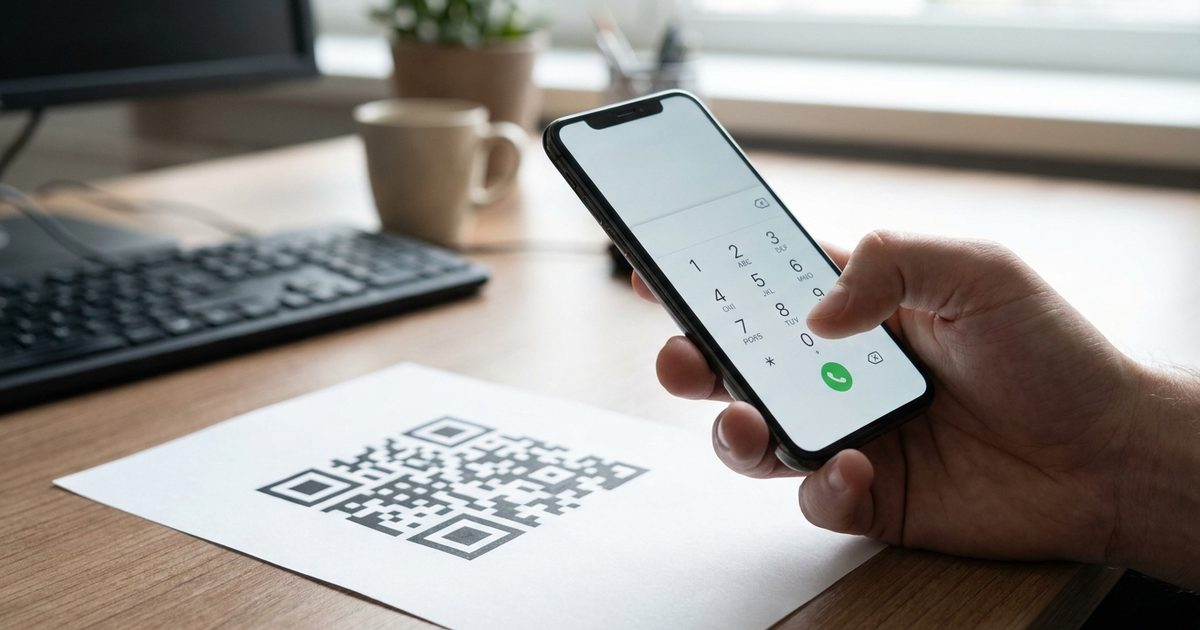
Some QR codes do not need to open a website at all. A code on a poster can start a phone call, and a code on a business card can open a new email already addressed to you. Both work through simple link formats that phones understand on their own. The EzyIMG Custom QR Code Generator includes presets for email, phone and SMS, so you only need to swap in your details.
Generate your email or phone QR code
Open Custom QR Code Generator, Free, No SignupHow Email and Phone QR Codes Work
A QR code stores text. When a phone camera reads text that starts with a known prefix, it offers the matching action. A mailto: link offers to compose an email, a tel: link offers to place a call, and an SMS link offers to start a text message. The phone does the rest with the apps already installed, which is why no website is involved.
The Email Format: mailto
An email code contains mailto: followed by the address, for example mailto:hello@example.com. Scanning it opens a blank message addressed to that address.
You can also preload a subject and a message body. Add ?subject= and &body= after the address and write spaces as %20, such as mailto:hello@example.com?subject=Quote%20request&body=Hi%2C%20I%20would%20like%20a%20quote. A subject line is especially useful because it tells you what the message is about before you open it.
The Phone Format: tel
A phone code contains tel: followed by the number in international format, for example tel:+1234567890. Use the plus sign, the country code and digits only, with no spaces, dashes or brackets. Written this way the call works no matter which country the person is scanning from, which matters on posters, vehicles and signage that travel.
What About SMS?
The Custom QR Code Generator also has an SMS preset that writes a text message link. Behavior differs between phones. Some devices open a new message with the number and text filled in, while others handle the format differently, so treat SMS as something to test on both iPhone and Android before you rely on it.
Create the Code in Four Steps
- Open the Custom QR Code Generator and click the Email or Phone preset. A sample link appears in the text box.
- Replace the sample with your address or number, and add a subject if you want one.
- Pick a size and colors with strong contrast, then check the live preview.
- Download the PNG or the SVG and place it on your design.
Where These Codes Are Useful
- Business cards, so a contact can call or email without typing anything.
- Flyers and posters with a call-now action.
- Real estate signs and service vehicles for quick inquiries.
- Lost-and-found tags on luggage, keys or pet collars that dial the owner.
- Event booths and market stalls that collect email inquiries.
- Product manuals and packaging that link to a support address.
Test on Real Phones
Scan the finished code with an iPhone and an Android phone. Many cameras show a confirmation before dialing or composing, and that step is expected. Confirm that the number is correct, that the subject and message appear as intended and that special characters in the subject were encoded properly. The guide on testing before printing lists the common failure points.
Limits to Keep in Mind
- These are static codes. If you change your email or number, the printed code keeps the old one, so print a small batch first.
- The details sit inside the pattern and anyone can read them. Only encode addresses and numbers you are comfortable making public.
- For a full contact card with name, company and several numbers, a vCard is a better fit, covered in the digital business card guide.
Frequently Asked Questions
What does an email QR code contain?
It contains a mailto: link followed by the email address, such as mailto:hello@example.com. You can add ?subject= and &body= to preload a subject and message.
How should I write the phone number?
Use tel: followed by the number in international format with a plus sign, the country code and digits only, for example tel:+1234567890.
Will the call start automatically after scanning?
Usually not. Most phones show a prompt asking the person to confirm before dialing or composing, which is a normal safeguard.
Can I change the email after printing?
No. The address is stored in the code itself, so any change means generating and printing a new one. Test the final code before printing in bulk.
Should I use a QR code for a full contact card instead?
If you want to share a name, several numbers and an address together, a vCard code is better. For a single quick action such as one call or one email, these simpler links are enough.
Ready to try it? Open the Custom QR Code Generator and choose the Email or Phone preset.
Ready to try it?
Open Custom QR Code Generator, Free, No Signup