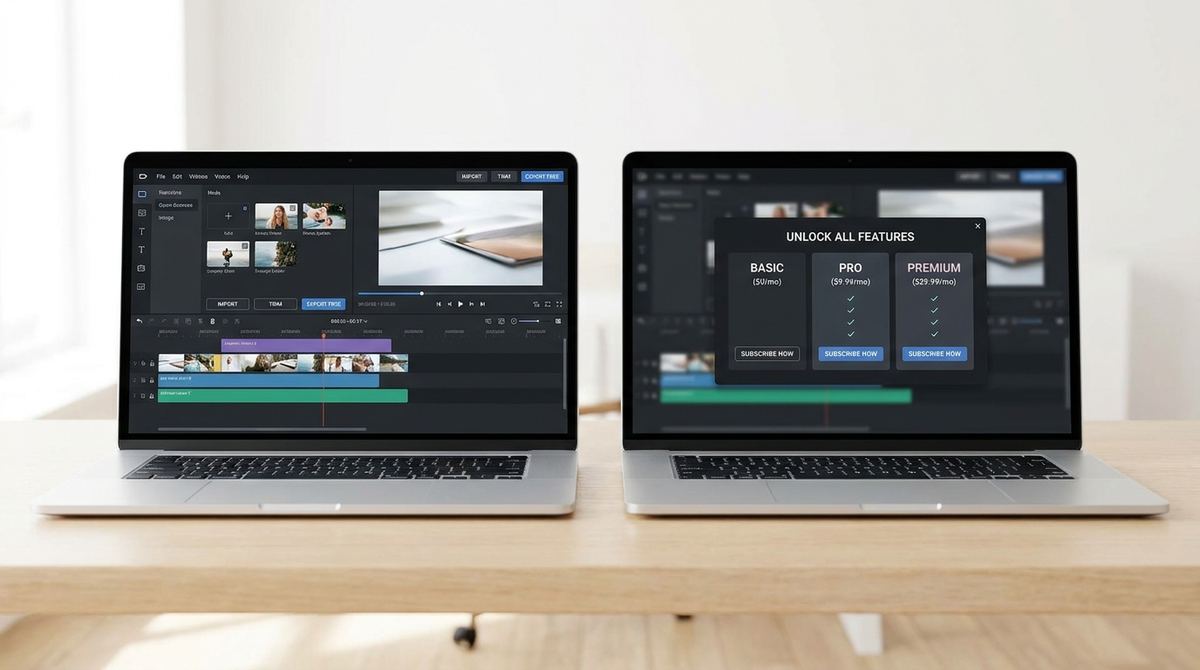
Searching for a GIF maker turns up two very different kinds of results: free browser tools you use once and forget, and paid software asking for a monthly subscription before you've made a single GIF. It's not always obvious what the paid option actually adds, or whether you need any of it. Here's a clear-eyed look at the real difference.
Try the free GIF maker first
Open GIF Maker — Free, No SignupWhat Every Free GIF Maker Should Already Cover
A genuinely useful free GIF maker handles the core job without compromise: converting video or images into a GIF, trimming to your chosen segment, adjusting frame rate and size, and exporting without a watermark stamped over your content. If a "free" tool is missing any of that, or hides it behind a paywall once you try to export, it's not really free, and it's worth comparing against a tool that includes all of it upfront.
Where Paid Tools Genuinely Add Something
Paid GIF software tends to earn its price in a few specific areas: batch processing dozens of files at once, cloud storage and team sharing for organizations producing GIFs regularly, very high-resolution export for professional print or broadcast use, and dedicated customer support with a guaranteed response time. None of that is fake value, it's just value that matters to a specific kind of user, usually a business producing GIF content at real volume, not someone making an occasional GIF for a chat or a blog post.
Where Paid Tools Charge for Things You Don't Need
A lot of paid GIF software gates basic functionality, no watermark, standard resolution export, simple trimming, behind a subscription that a well-built free tool already includes for everyone. If your actual use case is a handful of GIFs a month for social posts, product listings, or messages to friends, you're very likely paying monthly for features you'd never touch, when a free browser-based tool covers the entire job.
Convert video to GIF with no watermark
Open Video to GIF — FreeThe Privacy Angle Most Comparisons Skip
Many paid and free GIF tools alike require uploading your video or images to a remote server for processing, which matters if your source clips are personal, unreleased product footage, or anything else you'd rather not send off to a third-party server. A browser-based tool that processes everything locally on your device sidesteps that concern entirely, regardless of whether it's free or paid, so it's worth checking how a tool actually processes your files, not just what it charges.
Watch for Subscriptions That Auto-Renew Long After You Stop Using Them
A common pattern with paid GIF software is a free trial that quietly converts into a recurring charge once the trial period ends, and it's easy to forget about a tool you only needed for one project. Before signing up for any paid plan, check the cancellation process in advance and set a personal reminder before the trial ends, rather than discovering months later that you've been billed for a tool you haven't opened since your first GIF.
A Simple Way to Decide Which You Actually Need
Ask what your real volume and output requirements are. Occasional GIFs, standard resolution, no team collaboration needed: a solid free tool covers it completely. Daily high-volume output, team accounts, or export sizes beyond what a free tool offers: a paid plan starts to make sense. Most individual users and small businesses land firmly in the first category, even if the marketing around paid tools makes it sound like everyone needs a subscription.
Frequently Asked Questions
Are free GIF makers lower quality than paid ones?
Not inherently. Output quality depends on the encoding and settings a tool uses, not on whether it charges money. Many free tools produce results identical to paid alternatives for standard use cases.
When does a paid plan actually pay for itself?
Roughly when you're producing GIFs at a volume or resolution a free tool genuinely can't handle, or when team collaboration features save real coordination time across multiple people.
Do free tools have hidden limits that show up later?
Some do, watermarks that only appear on export, or a daily conversion cap. Check a tool's actual export before relying on it, rather than assuming a homepage that says "free" covers everything you'll need.
Can I switch from a paid tool to a free one without losing work?
Yes, since a GIF is a standard file format once exported. You can switch tools for future conversions at any time without affecting GIFs you've already made.
Related tools
- GIF Maker: Full-featured, free, and no watermark
- GIF Optimizer: Reduce file size without a paid plan