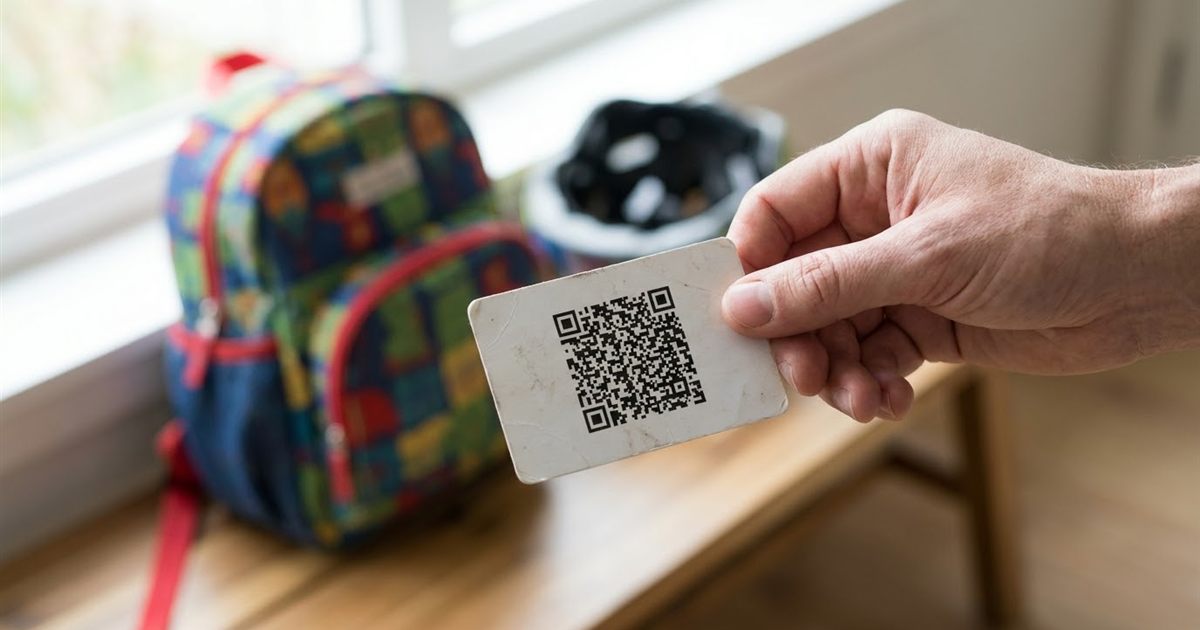
If someone finds a lost child, a stray pet or a person who needs help, the first question is whom to call. A small card with a QR code can answer it in a second, even when a name tag is unreadable or a phone is locked. Parents put them on school bags, runners tuck them into shoes and cyclists stick them inside helmets. It is a simple idea, and it works best when you keep the content short and think carefully about what you are willing to show to anyone who scans it. This guide explains what to put in an emergency contact QR code, how to create one for free and how to place it so it is useful and safe.
Need a quick QR code with a contact number? Generate one in seconds
Create an Emergency QR CodeWhat an Emergency QR Code Can Contain
A QR code stores text. The EzyIMG QR Code Generator accepts links, plain text, email addresses, phone links and Wi-Fi details, which gives you two practical formats for this purpose.
- A phone link: a code that starts with tel: followed by a number opens the dialer when scanned. It is the fastest option for a finder.
- Plain text: a few lines such as a name and a phone number, which the phone shows on screen without needing internet.
Decide What to Share and What to Keep Private
Anyone who scans the code can read what it holds. Treat it like writing on the outside of a bag.
- Include: a first name or nickname, one or two phone numbers and a short note such as "please call".
- Be careful with: full address, government ID numbers, exact school names or daily routines.
- Avoid: passwords, account numbers or anything you would not write on a luggage tag.
A phone number alone is often enough. If a finder needs more, the person you named can provide it.
How to Create the Code
- Open the QR Code Generator.
- Type the content, for example a phone link in the form tel: followed by the number with country code.
- Choose an error correction level of Q or H if the code will be printed small or may get scuffed.
- Keep the default colors, dark on light, for the best scanning.
- Download the PNG and print it.
For help picking sizes, read QR code size for printing, and for the settings explained, see QR code error correction levels.
Where to Put the Code
- Wallet card: print it with a name and a short line of text.
- School bag or lunch box: use a laminated tag inside a pocket.
- Helmet or bike frame: place it under clear tape so rain does not smudge it.
- Pet collar: for pets, QR tag generator for pet tags and luggage has more detail.
Test It and Keep It Updated
Scan the finished card with at least two phones, in normal light and indoors. A static code does not expire, but the number inside it can become outdated, so update the card whenever a phone number changes. Because a static code cannot be edited, you will need to print a new one. To understand the difference, see static vs dynamic QR codes.
Wording Ideas for the Text
If you choose a plain text code instead of a phone link, the wording matters. Keep it short, calm and actionable, because the reader may be stressed or in a hurry.
- For a child: "Hi, I am Sam. Please call Mom: followed by the number".
- For a runner or cyclist: "In case of emergency, please call: followed by the name and number".
- For luggage or a pet: "If found, please call: followed by the number and a thank you".
Avoid abbreviations that a stranger might not understand, and always include the country code if the card may travel.
Pair the Code With Printed Text
A QR code is a convenience, not the only plan. Print a visible name and phone number next to the code so that the card still works if a phone has no camera or the code is scuffed. Redundancy is what makes an emergency card dependable.
Treat the code as the fast path and the printed text as the safety net, and review both a couple of times a year so they always match.
Make It Part of a Routine
An emergency card only helps if it is current and carried. Add a short reminder to review it at the start of each school year, before a trip or whenever a phone number changes. Check that the card is still readable, that the code still scans and that the person named on it knows they are the contact. Five minutes of upkeep turns a one time project into something dependable.
Choosing Between a Call Link and Plain Text
A call link is faster because one tap starts the dialer, but it depends on the phone recognizing the format. Plain text is more universal because any scanner can show it, and the finder can read the number aloud or dial it by hand. For cards that will be used by people with different phones, plain text with a clearly written number is the more forgiving choice, while a call link suits a card you know will be scanned with a modern smartphone.
You can also print both: a code with the call link on one side of the card and the written number on the other.
A Note on Medical Information
A QR code is not a medical device and it should not be treated as a substitute for a proper medical ID bracelet or the settings your phone already offers for emergency information. If you have a condition that responders must know about, use the recognized medical ID options and add a QR code only as a convenient extra for a contact number.
Frequently Asked Questions
What should I put in an emergency QR code?
A first name and one or two phone numbers is usually enough. Keep addresses and sensitive details out of it.
Does the code need internet to work?
A plain text or phone link code can be read without a server. The phone only needs a camera.
Can anyone read what is inside?
Yes. Anyone with a phone camera can read a QR code, so include only what you are comfortable sharing.
Which error correction level should I use?
Q or H is sensible for small or outdoor use, because the code can survive some scuffs and wear.
Will the code expire?
A static code does not expire, but if the phone number changes you will need to create and print a new one.
Ready to make your emergency contact QR code?
Create an Emergency QR Code