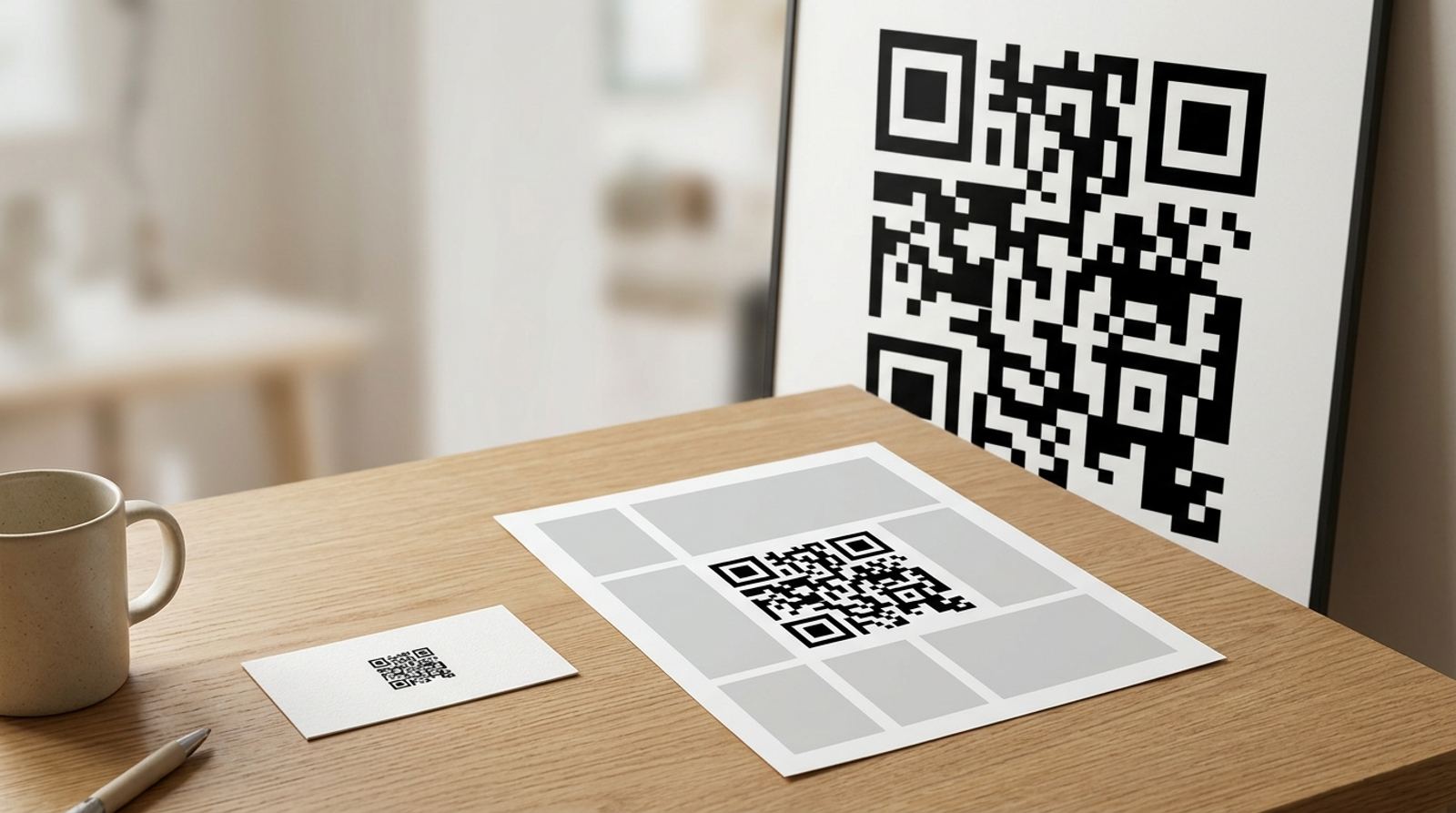
Most QR code generators hand you a download without asking which format you actually need, and the default isn't always the right one for your use case. Here's the real difference between PNG, SVG, and PDF exports, and which one to pick depending on where the code is going.
Generate a QR code in the format you need
Open QR Code GeneratorPNG: The Safe Default for Screens and Most Printing
PNG is a raster format, made of a fixed grid of pixels, and it's what most QR generators produce by default. It works everywhere: websites, documents, presentations, email, and standard home or office printing. The tradeoff is that a raster image has a fixed resolution, so if you export a small PNG and then try to blow it up much larger, it starts to look soft or blocky instead of staying crisp.
SVG: The Right Choice for Large-Format Printing
SVG is a vector format, built from mathematical shapes rather than a pixel grid, which means it scales to any size with zero loss of sharpness. A QR code exported as SVG can be printed at business card size or blown up to cover a billboard or storefront window without ever looking pixelated, since the shapes are recalculated cleanly at whatever size you need. If a design program or print shop specifically asks for a vector file, SVG is what they mean.
PDF: Best for Print-Ready Documents and Layouts
PDF is less about the QR code itself and more about the workflow around it. If you're dropping a code into a flyer, menu, or business card layout that's already being prepared as a PDF for a print shop, exporting the code as PDF keeps it in a format that print software handles reliably, with consistent color and sizing across different printers and operating systems. It also embeds cleanly into multi-page documents without extra conversion steps.
A Simple Way to Choose
- Going on a website, in an email, or a slide deck? PNG is fine and the simplest option.
- Printing large, like a poster, banner, or storefront sign? Use SVG so it scales without losing sharpness.
- Building a print-ready flyer, menu, or multi-page document? Export as PDF to match your existing print workflow.
- Not sure yet where it's going? Grab both a PNG for quick digital use and an SVG to keep on hand for whatever print size comes up later.
Why Format Choice Doesn't Affect Whether It Scans
It's worth being clear that PNG, SVG, and PDF all encode the exact same underlying QR pattern, the file format only affects how the image is stored and how well it scales, not the scan reliability itself. A properly generated code will scan the same regardless of which format you export, as long as the printed or displayed size, contrast, and quiet zone are correct.
Checking What Your Printer or Platform Actually Accepts
Before committing to a large SVG-based print run, confirm your print shop or in-house printer software actually accepts vector files, some consumer-grade printer software only imports raster formats like PNG or JPG. When in doubt, export a high-resolution PNG at the largest size you can as a fallback alongside your SVG, so you're not stuck if the vector file doesn't import cleanly.
Build a custom QR code with the styling you need
Open Custom QR Code GeneratorFrequently Asked Questions
Can I convert a PNG QR code to SVG later if I need to print it larger?
Not reliably, since converting a raster PNG to vector SVG afterward can introduce artifacts around the edges of each module. It's better to regenerate the code directly as SVG from the original QR data than to trace an existing PNG.
Does SVG support a logo in the center of the QR code?
Yes, a logo can be embedded in an SVG export the same way it can with PNG, and it will scale cleanly along with the rest of the code. Just keep the logo sized conservatively so it doesn't interfere with the code's error correction.
Is PDF ever a bad choice for a QR code?
It's a poor fit for digital placements like a website or app, where a simple image format like PNG loads and displays faster and more predictably. Save PDF specifically for print-focused document workflows.
Which format does EzyIMG's QR generator export by default?
PNG is the standard download, which covers the majority of everyday digital and print use cases without any extra setup, so it's the right starting point unless you already know you need a vector file for large-format printing.
Related tools
- QR Code Generator: Create a free QR code in seconds
- Custom QR Code Generator: Adjust colors, logo, and style