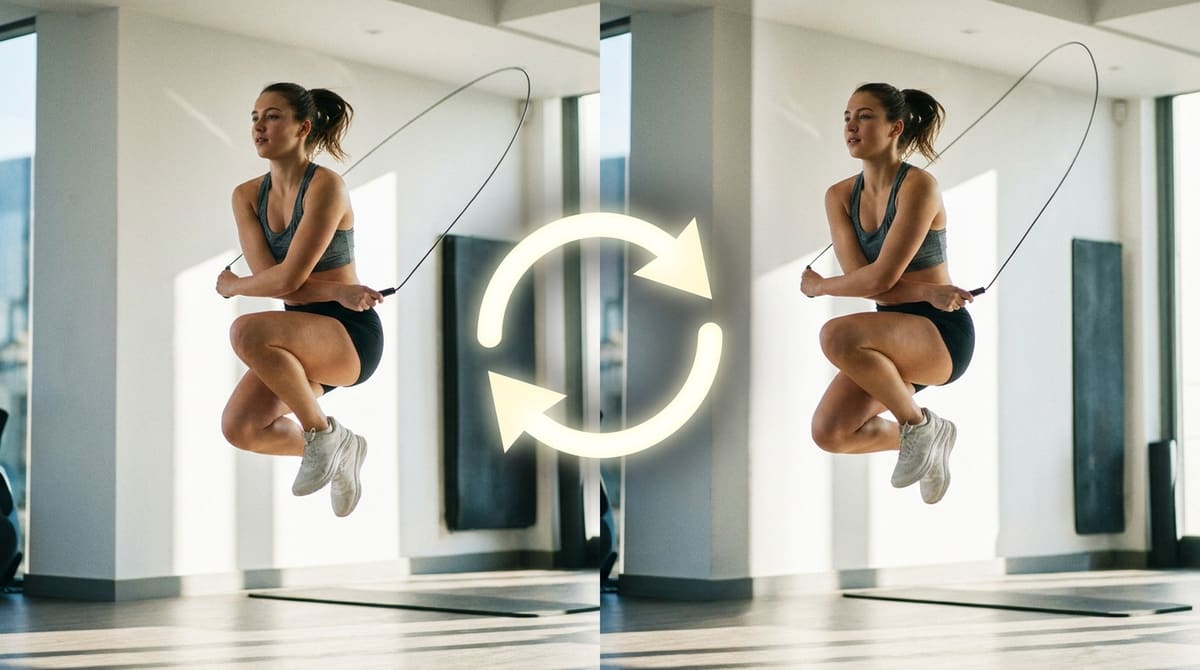
A GIF that loops forever but visibly jumps at the seam draws attention to the wrong thing, the cut, instead of the motion itself. Most of the time that jump isn't a limitation of the GIF format, it's just a source clip whose first and last frames don't line up, and it's fixable with the trim points alone, no crossfade plugin or frame-blending software required.
Trim your clip to a clean loop point
Open GIF Trimmer — Free, No SignupWhy the Jump Happens in the First Place
A GIF loop restarts instantly from frame one the moment it hits its last frame, with no transition of any kind in between. If frame one and the last frame show noticeably different positions, a hand mid-motion versus resting, a foot on the ground versus mid-air, the eye reads that instant difference as a jump cut, even though every individual frame played back correctly. The loop itself isn't broken, the two endpoints just don't match.
Method One: Trim to a Matching Start and End
The most reliable fix is finding two points in the source clip where the subject looks close to identical, then trimming so the GIF starts on one and ends on the other. A repetitive motion, a swing, a spin, a walk cycle, usually passes through the same rough pose more than once, giving you a natural seam to cut on instead of forcing an artificial one.
- Scrub through the full clip first: Watch it once end to end and note any moment where the pose or position repeats.
- Open the trimmer: Go to ezyimg.com/gif-trim and load the clip.
- Set the start slider on the first matching pose: Nudge it a frame or two at a time rather than guessing the exact spot.
- Set the end slider on the second matching pose: Compare it visually against the start frame in the preview before committing.
- Export and watch the loop at least three times:A jump that's subtle on one pass often becomes obvious once the loop repeats a few times in a row.
Method Two: Boomerang for Clips With No Natural Repeat
Some motion never returns to its starting position on its own, a jump, a splash, a door closing, which means there's no matching pair of frames to trim to. For those, a boomerang effect (playing the clip forward, then immediately backward) removes the jump entirely, since the animation now ends exactly where it began by construction. It roughly doubles the frame count and file size, so it's worth reserving for clips that genuinely have no other fix.
Try a boomerang loop instead
Open Reverse & Boomerang Tool — FreeSmall Details That Still Ruin an Otherwise Clean Loop
Background elements matter as much as the main subject. A person's pose can line up perfectly while a flickering light, a shifting shadow, or a moving object in the background breaks the seam anyway. Scan the full frame, not just the subject, when checking your start and end points, and prefer clips with a static or slow-moving background whenever the subject allows it.
Testing the Loop Before You Publish It Anywhere
A jump that's easy to miss on a first watch has a way of becoming obvious the moment a GIF is embedded somewhere it plays on autoplay, a social post, a product page, a Slack channel, because those contexts loop it dozens of times in a row while someone's attention wanders back to it. Export a candidate loop, drop it into a blank browser tab, and let it run for a full minute while you look away and back a few times, the way a real viewer actually would, instead of judging it off a single pass in the editor preview.
If the seam still catches your eye after that test, go back one step rather than settling. Nudging the trim points by a frame or two in either direction resolves the great majority of remaining jumps, and it's a much faster fix than starting over with a new source clip.
Frequently Asked Questions
Can I crossfade the last frame into the first to hide the seam?
Not with a standard GIF trimmer, since crossfading needs generated in-between frames rather than a cut point. Trimming to a matching pose or using boomerang both avoid needing a crossfade at all.
Does a longer clip make it easier to find a seamless loop point?
Usually yes, since a longer source gives repetitive motion more chances to pass through a matching pose. A very short clip may only have one instance of the motion, leaving no second point to trim to.
Will trimming for a seamless loop shorten my GIF too much?
It can, since the matching pose might land earlier than you'd like. If that happens, boomerang usually gives a longer, still seamless result from the same source clip.
Does the loop count setting affect how seamless a GIF looks?
No, loop count only controls how many times the animation repeats, not whether the seam between the last and first frame looks smooth. Those are two separate settings.
Related tools
- GIF Trimmer: Find and cut to a clean loop point
- Reverse & Boomerang: Remove the jump entirely on clips with no natural repeat