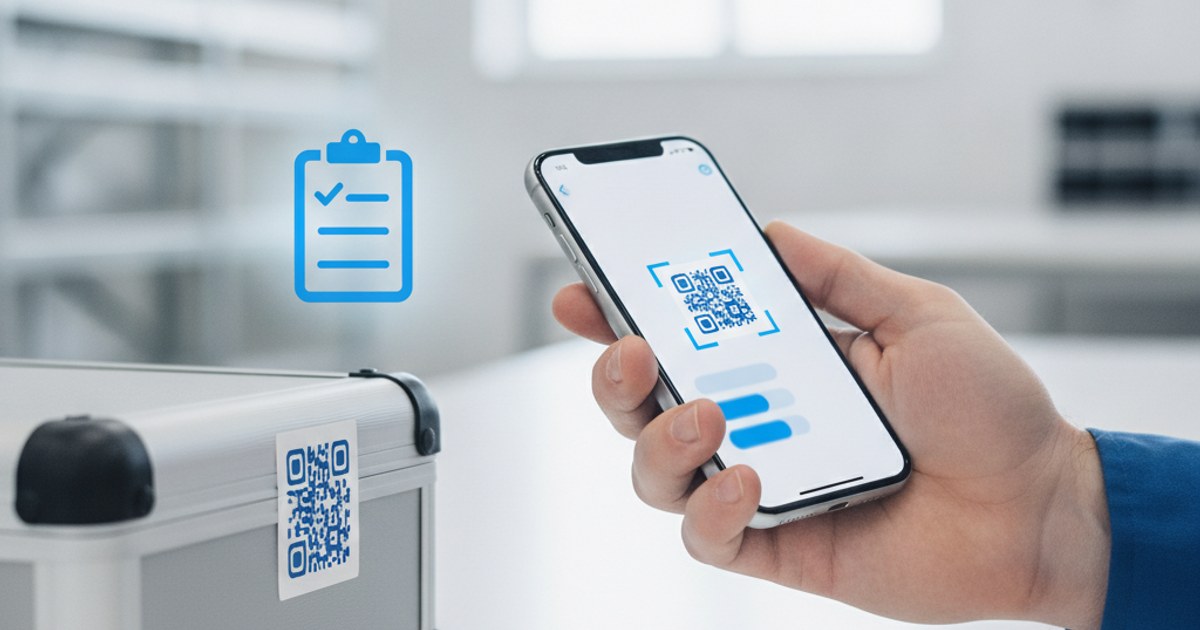
A QR tag generator solves a specific, unglamorous problem: you have physical things, tools, equipment, boxes, shelves, assets, and you need a fast way to identify each one and pull up its details without a barcode scanner gun or a paid inventory platform. A plain QR code generator can do this job just fine, once you know how to structure the system around it. Here's how.
Ready to tag your first item?
Open QR Code Generator — Free, No SignupWhat a QR Asset Tag Actually Points To
The QR code itself doesn't need to hold your entire inventory record, that would make the code dense and slow to scan, and it would be impossible to update once printed. Instead, the code should point to a URL, a shared spreadsheet row, a simple webpage, or a document, that holds the actual details: purchase date, maintenance history, assigned location, or manual. Scan the tag, land on the page, see everything current about that item.
Building a Simple Tagging System
- Set up your record location: A shared spreadsheet with one tab or row per asset works for most small operations, no dedicated software required.
- Give each asset a stable link: If using a spreadsheet, a shared view link per row or tab; if using a simple webpage per asset, its own URL.
- Generate a QR code per asset: Go to ezyimg.com/qr-generator, select URL, and paste that asset's link.
- Print and attach it: Print at a size appropriate for how close someone will be standing when they scan it, a handheld tool needs a smaller tag than a piece of floor equipment.
- Test before deploying at scale: Scan the first tag yourself to confirm it opens the right record before printing dozens more.
Choosing Durable Materials and Placement
A QR tag on equipment that lives outdoors, gets handled roughly, or sits near moisture needs more than a regular printed label, laminating it or using a weatherproof label stock keeps it scannable for years instead of months. Placement matters just as much as material: put the tag somewhere flat and unobstructed, since a code wrapped around a curved edge or partly covered by a handle or hinge is much harder for a camera to read cleanly.
Set up your tagging system today
Open QR Code Generator — Free, No SignupStatic Tags vs Keeping Records Updatable
Since the QR code just points to a link rather than holding the data itself, you can update the maintenance log, location, or status of an asset anytime without reprinting a single tag, as long as the destination link stays the same. This is the entire advantage of pointing to a live spreadsheet or webpage instead of encoding static details directly into the code: the physical tag never needs to change, only what it links to.
Frequently Asked Questions
Do I need special software to manage QR asset tags?
No, a shared spreadsheet plus a free QR code generator covers small to mid-size setups without any paid inventory software.
How many assets can I tag this way?
There's no limit on how many QR codes you can generate. The practical limit is how well your spreadsheet or record system scales, which for most small operations comfortably handles hundreds of tagged items.
What error correction level should asset tags use?
A higher level, since equipment tags are exposed to scratches, dirt, and wear over time. A more damage-resistant code stays scannable even after months of real-world handling.
Can I brand the tags with my company's colors?
Yes, use Custom QR Code Generator to adjust colors while keeping enough contrast for reliable scanning.
Related tools
- QR Code Generator: Create a tag linking to any URL
- Custom QR Code Generator: Brand tags with your own colors