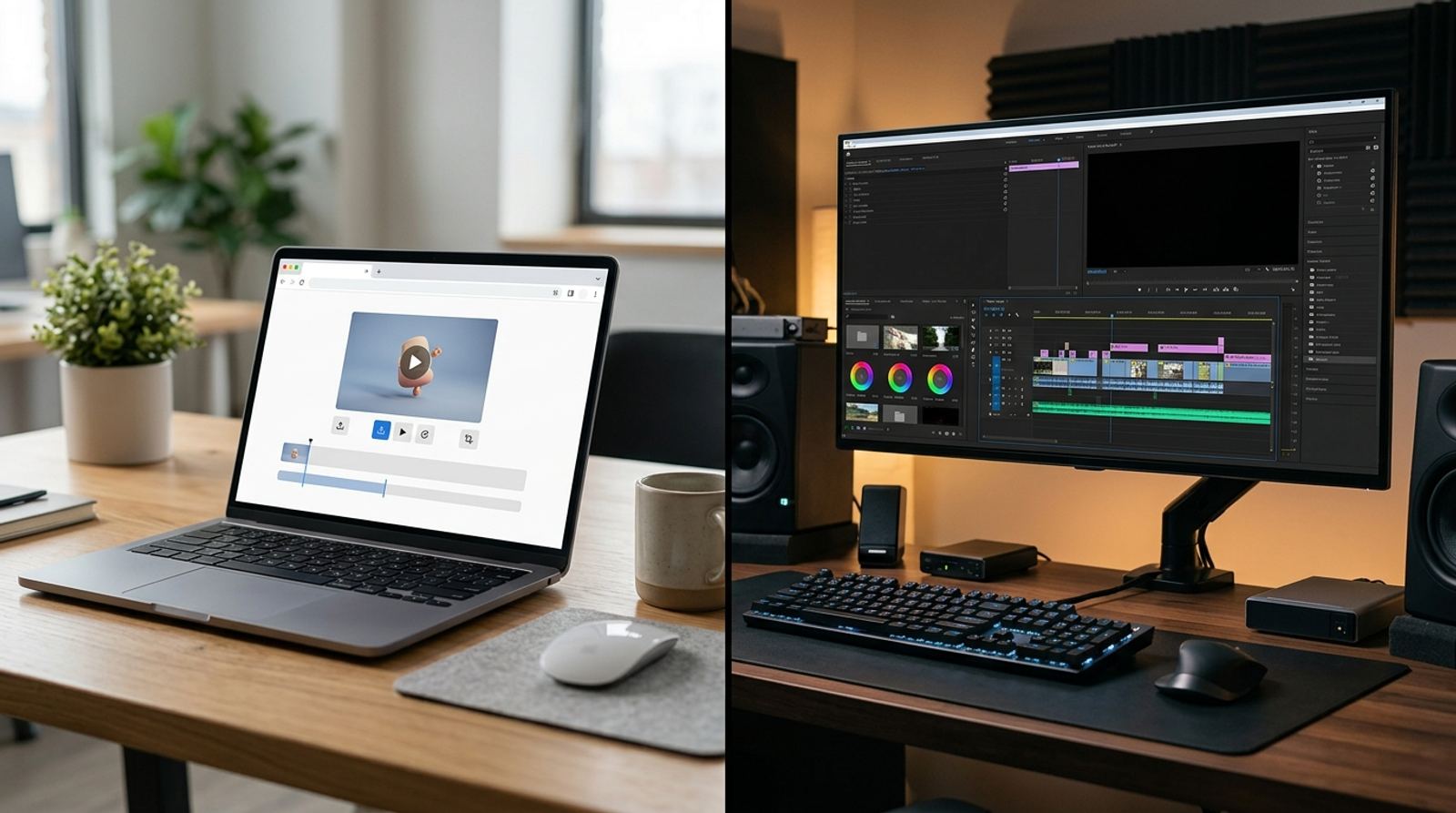
You need to make a GIF and you're deciding between opening a browser tab or installing something. Both approaches genuinely work, but they trade off differently depending on how often you make GIFs and how much manual control you actually need. Here's an honest comparison, not a sales pitch for either side.
Try the browser-based route first, no install
Open GIF Maker ToolWhat an Online GIF Maker Actually Gets You
A browser-based tool like EzyIMG's GIF Maker runs entirely in the tab you already have open, so there's nothing to download, nothing to update, and nothing that needs admin permissions to install. It works the same way on a work laptop with locked-down software installs, a shared family computer, a Chromebook, or a phone, which matters more than it sounds like the first time you need to make a quick GIF on a device that isn't your own.
Where Desktop Software Genuinely Has the Edge
Dedicated desktop tools, and full editors like Photoshop's timeline-based GIF export, tend to offer deeper manual control: precise per-frame timing adjustments, layer-based editing before export, and batch scripting across dozens of files at once. If you're doing frame-level retouching or building GIFs as part of a larger design workflow with layers and assets already in a desktop editor, that depth is a real advantage an online tool generally won't match.
Offline Access Is the Other Real Desktop Advantage
Once installed, desktop software works without an internet connection at all, which matters if you're on a flight, in an area with unreliable service, or working somewhere uploads and network access are restricted. A browser-based tool needs a working connection to load, and depending on the tool, to actually process your file, so offline use is a genuine gap for the online side.
Privacy: What Happens to Your File Matters More Than It Seems
This is where the comparison gets more nuanced than "online means uploaded somewhere." Some browser tools process video and image files directly in your browser using local processing, meaning the file never actually leaves your device, which is functionally similar to desktop software in terms of privacy. Others genuinely upload your file to a server to process it. If privacy matters for what you're converting, check specifically whether a given online tool processes locally or uploads, rather than assuming all online tools work the same way.
Cost and Commitment Over Time
A one-off GIF favors the browser every time, there's no reason to install software for something you'll do once. If you're making GIFs weekly as part of a job, a desktop tool you already own or pay for might pay off through deeper features and faster repeat workflows, but it's worth actually tracking how often you use it before assuming the subscription or license is worth it over a free tool that already covers your real use case.
A Simple Way to Decide
If you need a GIF from a video clip or a batch of photos, want it fast, and don't need frame-level manual retouching, an online tool covers that job completely and skips the install. If you're already deep in a desktop editing workflow with layers, precise timing needs, or you regularly need to work fully offline, the desktop route earns its extra setup time. Most people making occasional GIFs never actually hit the ceiling where a desktop tool's extra depth matters.
No install, no upload required, just make your GIF
Open GIF Maker ToolFrequently Asked Questions
Is an online GIF maker less capable than desktop software?
For standard tasks like converting video or images to GIF, adjusting speed, cropping, or adding text, the two are usually comparable. Desktop software tends to pull ahead specifically on frame-level manual editing and batch scripting, not on everyday GIF creation.
Do I need to create an account to use an online GIF maker?
Not with tools built around no-signup access, EzyIMG's GIF Maker included. You open the page, upload or select your source, and export, with no account creation step in between.
Can a browser-based tool handle large video files well?
Reasonably, though very large source files take longer to process in a browser than on a desktop app running with more direct access to your hardware. For a typical short clip meant to become a GIF, this rarely becomes a practical issue.
Should I switch entirely to one or the other?
Not necessarily, plenty of people use a browser tool for quick, everyday GIFs and keep desktop software installed for occasional, more demanding edits. The two aren't mutually exclusive, pick whichever fits the specific task in front of you.
Related tools
- GIF Maker: No install, no watermark, no signup
- Video to GIF: Convert a clip directly in your browser