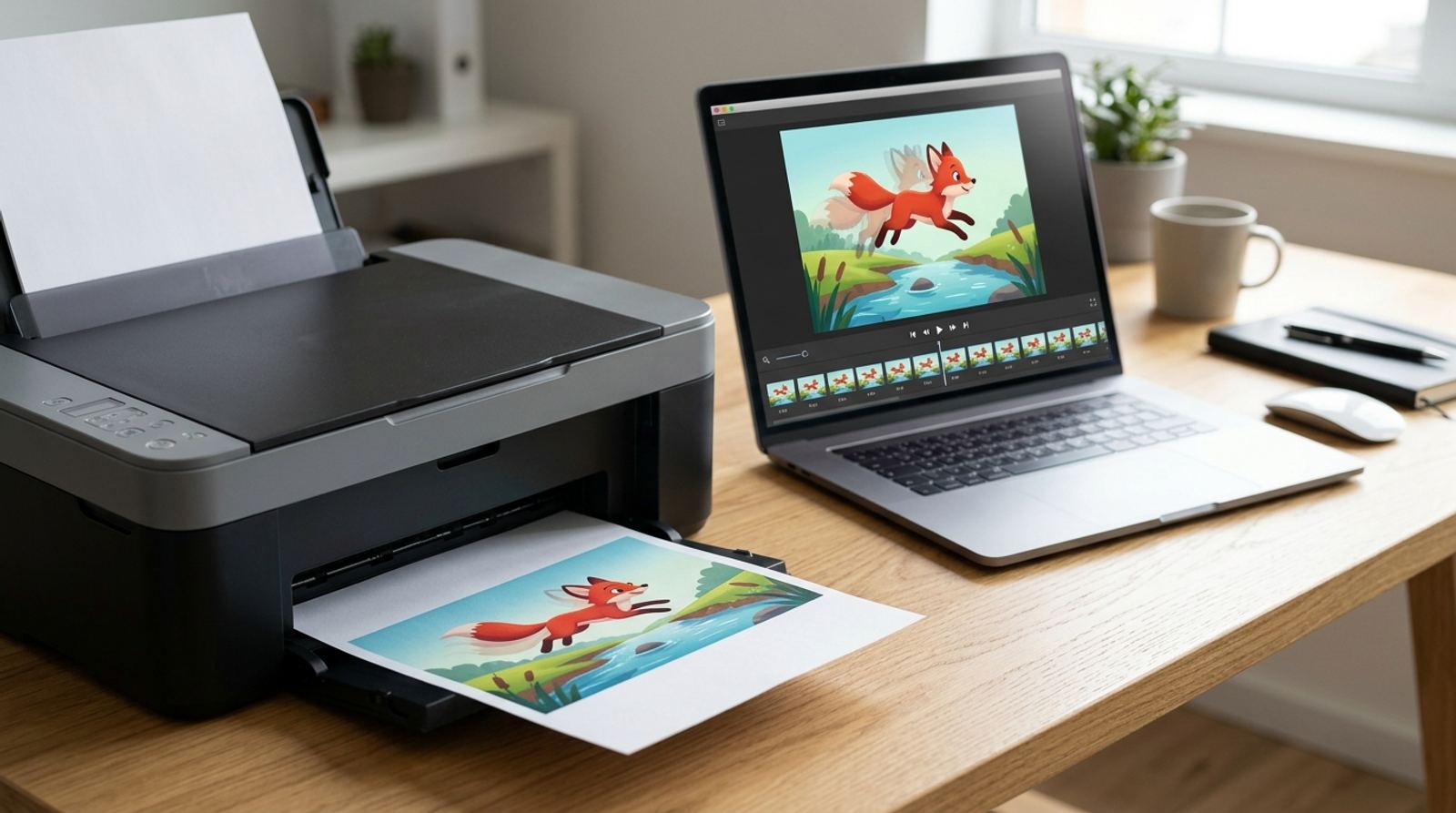
You've got a GIF you like and someone asks for a printed copy, a flyer, a sticker, a photo for a frame. Hitting print doesn't error out, but it also doesn't print what you expect. Here's exactly what happens when a GIF goes to a printer, why, and how to get an actual printable version of the moment you want.
Need a still image from a GIF instead?
Open GIF Maker ToolWhat Actually Prints When You Print a GIF
Printers and most image viewers only understand a single flat image at a time. A GIF is a sequence of separate frames bundled into one file, so when a program that isn't built to animate it opens that file, it grabs one frame, almost always the first one, and treats it as the entire image. Everything after that first frame is simply ignored for printing purposes, because the print pipeline was never shown that it existed.
Why This Isn't a Bug in Your Printer or Browser
Printing, by definition, produces a static physical object. Paper can't loop or play frames in sequence, so there's no version of "printing a GIF" that would ever preserve the motion, regardless of which browser, printer, or print shop is involved. The single-frame result is the only physically possible outcome, not a limitation of the specific software you happened to use.
Why the First Frame Is Often the Wrong Choice
Many GIFs are built so the first frame is a transition point, a mid-blink moment, or a blank starting position, not the frame that actually represents the clip well on its own. If you print or screenshot a GIF without choosing your frame deliberately, you often end up with an awkward in-between moment instead of the punchline, expression, or pose you actually wanted printed.
How to Get the Exact Frame You Actually Want
- Open the GIF in a tool that lets you scrub frame by frame, rather than a basic image viewer that only shows the first or last frame.
- Pick the exact moment you want, the clearest expression, the sharpest pose, or whatever best represents the loop as a single image.
- Export that single frame as a PNG or JPG, not as a GIF, since those formats are what print software and print shops actually expect.
- Check the resolution before printing, since GIFs are often built at web resolution, which can look soft or pixelated at a larger physical print size.
A Note on Resolution Before You Print
Even after you extract the right frame, remember that a GIF built for a phone screen or a chat app is usually a few hundred pixels wide, nowhere near what a sharp full-page print needs. A small GIF printed at postcard size or larger will look noticeably soft or blocky, so check the source resolution before you commit to a print size, and consider whether the original video or photo the GIF came from is available at higher quality instead.
If You Actually Need Motion in Print, You Can't
If the whole point was sharing the animation itself rather than a single moment from it, printing was never going to be the right medium, and no format change fixes that. The closer alternative for a "printed animation" is a QR code on the printed page that links to the actual GIF or video online, letting someone view the real motion on their phone after scanning it.
Link a printed page to your real animated GIF
Open QR Code GeneratorFrequently Asked Questions
Will printing always grab the first frame specifically?
Usually, but not universally, some software grabs the last frame or whichever frame happens to be cached in memory at the moment of printing. It's inconsistent enough that you shouldn't rely on it landing on a specific moment without choosing the frame yourself first.
Does converting the GIF to PDF first help it print correctly?
No, a PDF is also a static format, so converting a GIF to PDF still only captures a single frame, the same limitation as printing directly. The fix is choosing your frame first, not changing the intermediate file format.
Can I print a strip showing several frames like a filmstrip?
Yes, that's a legitimate workaround. Split the GIF into individual frames, arrange several of them side by side in a grid or strip layout, and print that composite image, which does convey a sense of motion even though it's technically still a static print.
Is the quality loss from extracting one frame significant?
Extracting a frame itself doesn't reduce quality beyond what the GIF already had, since you're just pulling out one existing frame. The real limiting factor is the GIF's original resolution, which is often lower than what a good print needs.
Related tools
- GIF Maker: Build or re-export a GIF from images or video
- QR Code Generator: Link a printed page to your online GIF