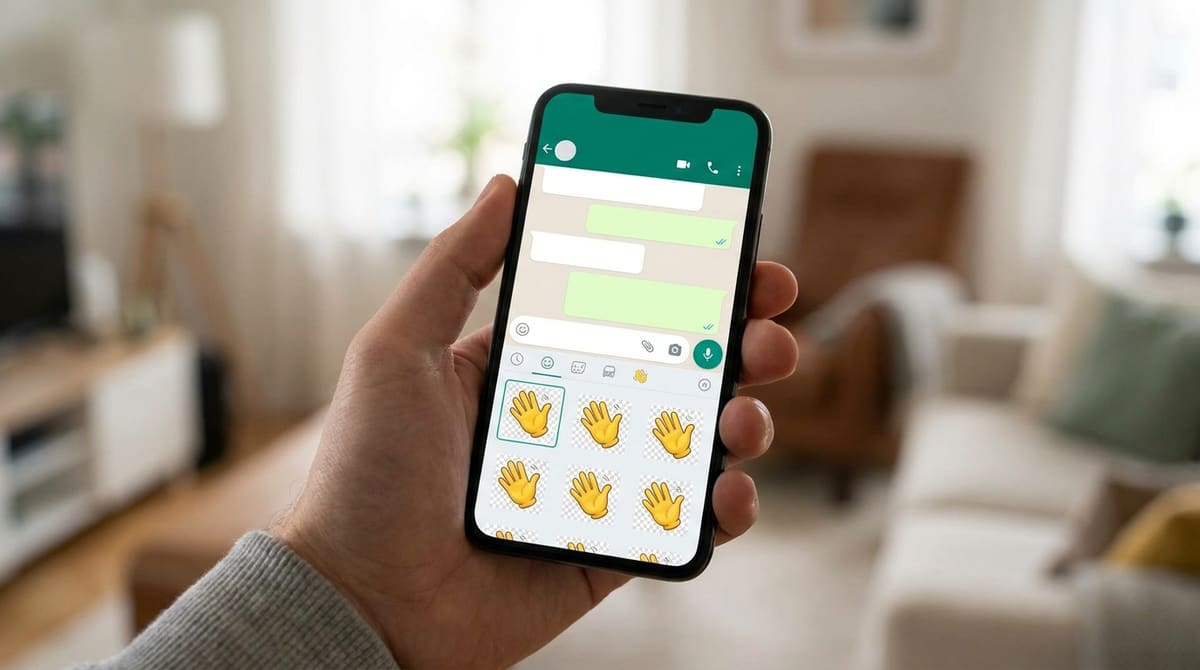
Sending a GIF in a WhatsApp chat and adding it to your sticker tray are two completely different formats behind the scenes, even though both end up animated. A sticker needs a transparent background, a square canvas, and a much smaller file size than a typical GIF, so dropping a regular animated GIF straight into the sticker maker usually gets rejected or looks wrong once it's added.
Start converting your GIF now
Open GIF Trimmer — Free, No SignupWhat a Sticker Actually Requires
- Square canvas: WhatsApp stickers render in a square frame, so a widescreen GIF needs cropping first or it'll be squeezed or letterboxed.
- Transparent background: A subject on a plain color background reads as a small floating card in a chat instead of a proper sticker.
- Under 3 seconds and a small file size: WhatsApp enforces a strict limit on animated sticker file weight, well under what a typical GIF weighs.
Step One: Trim to the Best Short Loop
Stickers get reused constantly in fast-moving conversations, so the funniest or clearest single beat of motion works better than a longer clip. Trim your GIF down to roughly one to three seconds, the shortest span that still reads clearly as the joke or reaction on its own.
- Open the trimmer: Go to ezyimg.com/gif-trim and upload your GIF.
- Cut to the single clearest moment: Drag the sliders to isolate just the punchline of the motion.
- Export the trimmed clip:This shorter file is what you'll bring into a WhatsApp sticker-maker app to finish the conversion.
Step Two: Crop Square and Remove the Background
WhatsApp itself doesn't offer a background-removal tool in its own app, so this step happens in a dedicated sticker-maker app on your phone (available for both iOS and Android), which imports your trimmed GIF, lets you crop it square, and cuts out the background around your subject. Bring the short, trimmed clip you exported into that app rather than the original long GIF, since editing a shorter file is faster and easier to crop precisely.
Not sure which clip to use? Trim a few options
Open GIF Trimmer — Free, No SignupWhy the Full Sticker Pack Matters, Not Just One Sticker
WhatsApp adds stickers as a pack, not one at a time, so a single converted GIF needs at least two more to form a usable pack (three is the practical minimum most sticker-maker apps require). Trimming a few different short beats from the same longer source clip, a wave, a laugh, a shrug, is often the fastest way to fill out a pack without needing entirely separate footage for each one.
Keeping Motion Readable at Sticker Size
Stickers render small in a chat thread, noticeably smaller than a GIF playing in the message stream itself, so motion that reads clearly at full size can turn into a blurry smear once it's shrunk down. Favor a clip with one clear, large gesture (a big wave, a wide-open laugh) over one built on subtle or fine detail, since fine motion is exactly what gets lost first at sticker scale.
The same logic applies to color: a subject that relies on subtle shading to read clearly can flatten into a muddy blob once compressed down to sticker size, while bold, high-contrast colors survive that compression cleanly. If a candidate clip looks washed out or unclear once previewed at actual sticker size, that's worth fixing before publishing, not after.
It helps to preview the finished sticker inside an actual chat, not just in the sticker-maker app's own editor, since the surrounding message bubbles and background color can change how the transparency and edges of your sticker actually read once it's sitting in a real conversation.
Frequently Asked Questions
Can I add just one animated sticker without a full pack?
No, WhatsApp organizes stickers into packs, so a sticker-maker app will ask for at least a few images or clips before it lets you publish and add the pack to your tray.
Why did my sticker upload fail or look frozen?
The most common cause is exceeding WhatsApp's animated sticker file size limit. Trimming the clip shorter before converting is usually enough to bring it back under the limit.
Do I have to remove the background, or can I keep it?
You can keep a background, but transparency is what makes a sticker feel native to the chat instead of looking like a small pasted rectangle over the message bubble.
Can this same process work for Telegram stickers too?
The trimming and cropping steps are the same, though Telegram uses its own sticker bot and slightly different size requirements, worth checking before you finalize the file.
Related tools
- GIF Trimmer: Cut down to the short loop your sticker needs
- Video to GIF: Start from a video clip instead of an existing GIF